
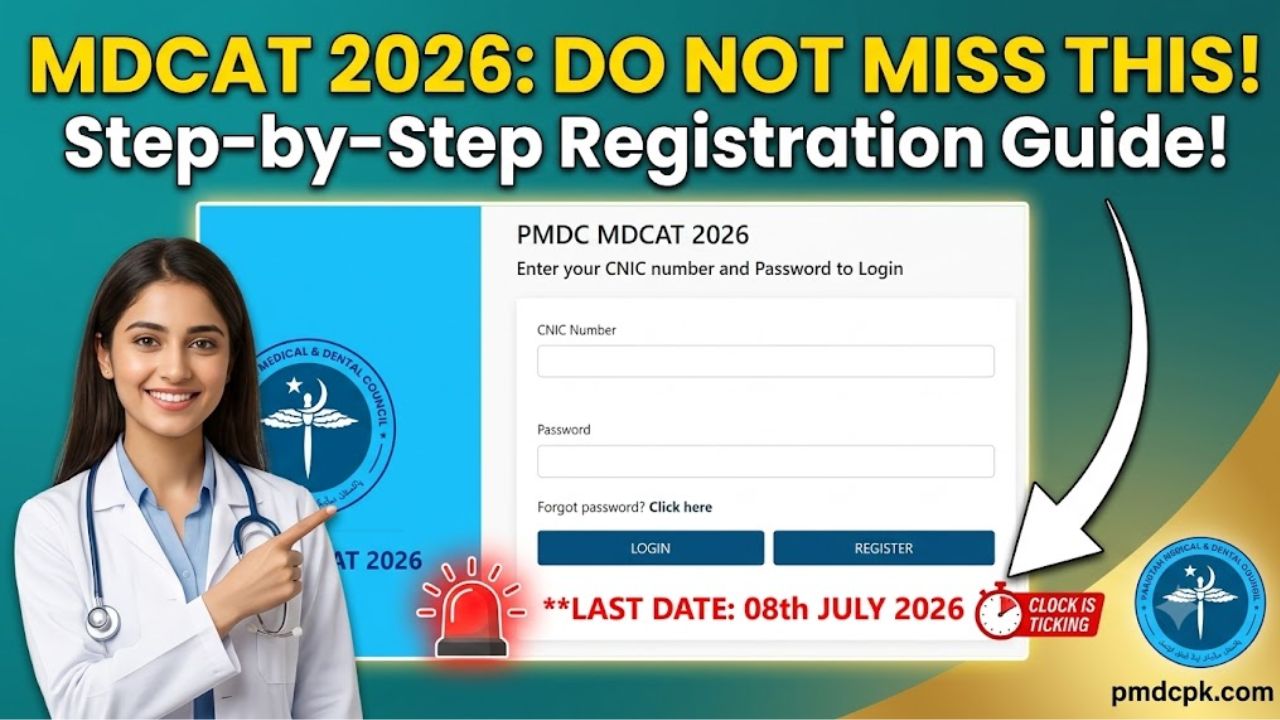
The path to wearing a white coat and securing a seat in Pakistan’s prestigious medical and dental colleges is one of the most challenging journeys a student can undertake. However, before you even open your biology textbooks or sit for mock tests, there is a crucial first hurdle that every aspirant must clear perfectly: the online registration process.
The Pakistan Medical & Dental Council (PM&DC) has officially announced that the Medical & Dental Colleges Admission Test (MDCAT) is scheduled to be conducted on Sunday, 16th August 2026.
With the online application window open and active right now, thousands of students are hitting the official portal simultaneously. A simple mistake in uploading documents or entering your personal details can lead to application rejection or unneeded stress right before the exam. This comprehensive guide breaks down the step-by-step process for beginners, analyzes the schedule, and highlights key troubleshooting tips to ensure your registration is flawless.
Essential Timelines: Mark Your Calendar
To avoid paying heavy penalties or completely missing out on your chance this year, you must adhere strictly to the schedule issued by the PM&DC. The portal is currently processing applications, and deadlines are approaching rapidly.
| Registration Event | Important Date | Fee Status |
| Normal Registration Deadline | 8th July 2026 | Regular Fee Applied |
| Late Registration Window | Until 13th July 2026 | Late Fee Penalty Applied |
| Official MDCAT Test Date | 16th August 2026 | 10:00 AM PST Onwards |
Note: Please check the note at the end of the text provided by PM&DC regarding the timeline correction for the late registration window.
Step-by-Step Guide to Applying for MDCAT 2026 Online
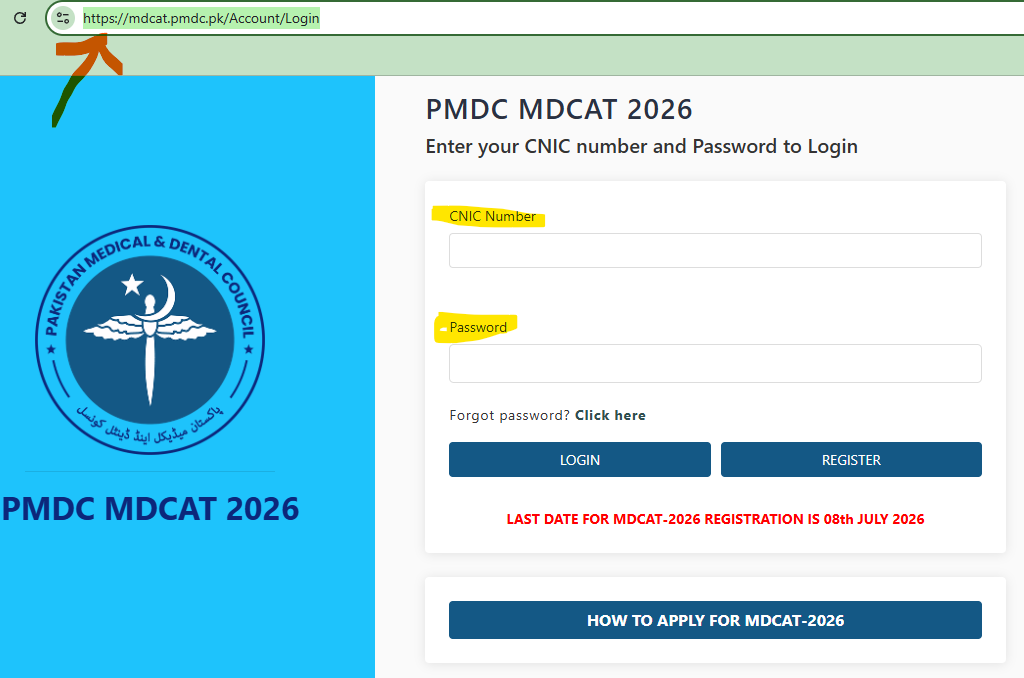
When you land on the official web portal at mdcat.pmdc.pk, you will encounter the main interface shown in image. Follow these sequential steps to ensure everything goes smoothly:
Step 1: Account Creation and Portal Signup
- Open your web browser and navigate directly to the login portal screen shown in image.
- If you are a new user, do not enter details in the login boxes. Instead, click the blue “REGISTER” button located adjacent to the Login button.
- You will be prompted to select your identity type (CNIC, Form-B, or Passport for international students). Enter your number carefully without hyphens unless requested.
- Set a strong password that you will easily remember, as you will need it later to check your roll number slip and final result.
Step 2: Filling Out the Personal Information Profile
Once registered, return to the login interface shown in Scree shot, type in your registered CNIC/Form-B number and your password, and click “LOGIN”. Inside, you must provide:
- Your full legal name (matching your matriculation/O-Level certificate).
- Active active cell phone number and working email address.
- Your choice of the desired examining university/province where you intend to take the test.
Step 3: Document Upload (Formatting Matters!)
You will need to upload scanned copies of:
- Your CNIC or Form-B.
- Your Matric/SSC/O-Level and FSc/HSSC/A-Level transcripts or equivalence certificates.
- A recent passport-sized photograph with a white background.
Troubleshooting Pro-Tip: If the portal throws an error or fails to upload your documents, it is likely due to the file size. Use an online image compressor to ensure your images are in PNG or JPEG format and under 500 KB before attempting to upload.
Step 4: Fee Payment and Verification
After completing your bio-data form, the portal will generate a customized fee challan. You can download this document and pay at designated bank branches or utilize available digital bank applications if integrated within the portal. Always print a copy of your paid receipt for your personal records.
Crucial Mistakes to Avoid During Online Registration
To save yourself from panic, make sure to bypass these common errors that thousands of candidates accidentally make every single year:
- Using Someone Else’s Email Address: Never use an internet café operator’s or an acquaintance’s email ID. All crucial correspondence regarding center changes, roll number slips, and results will be sent to the email address registered on the system.
- Incorrect Document Layout: Ensure that all edges of your scanned documents are clearly visible. Blurry phone photographs of documents are a leading cause of pending or blocked applications.
- Rushing the Selecting of the Desired Examining Center: Think carefully before selecting your test location. Once you choose your preferred regional university network, changing it later is extremely difficult and often impossible due to venue seat capacities.
Actionable Summary for Aspirants
Your primary focus should remain completely on studying your syllabus, but ensuring your registration is done early removes massive background anxiety. Double-check all information before clicking that final submit button.
Always keep an eye on the official PM&DC website for direct notifications rather than relying on unofficial social media rumors. Complete your registration well before the 8th July 2026 normal fee deadline to avoid paying heavy late penalties.
A Quick Correction Note on the Schedule: The official textual guidelines provided contain a slight typo mentioning “13th July 2026” for late registrations. Please look at the visual system data on the official live login screen shown in image to confirm that the current system is operating strictly for the 2026 session. The late fee window closes on 13th July 2026.